TikTok Integration
TikTok, Planned and Published
From Your Dashboard
Plan your TikTok content calendar, schedule video uploads in advance, and track what is working with detailed content insights — all from the same dashboard where you manage every other platform.
What You Can Do With ViralDashboard + TikTok
Schedule, publish, and measure your TikTok content.
Video Posts
Post videos and photo carousels with captions and hashtags. Choose who can see each post, and whether people can comment, Duet or Stitch.
AI Captions & Hashtags
Generate caption ideas, suggest hooks for the first 3 seconds, suggest relevant hashtags for your niche.
Content Insights
Views, likes, comments and shares for every video, plus your follower count and profile totals over time.
Content Calendar
See TikTok alongside Instagram Reels, YouTube Shorts, and every other platform in one calendar view.
Bulk Upload
Upload multiple videos and schedule them across days or weeks. Save drafts and come back to finalize later.
Content Repurposing
Post the same video to TikTok, Instagram Reels and YouTube Shorts from one composer, with a caption for each. Analytics shows which posts are worth reusing.
Supported Content Types
| Content Type | Supported |
|---|---|
| Video Post | |
| Photo Carousel | |
| Hashtags & Captions | |
| Privacy Controls | |
| Comment/Duet/Stitch Settings |
Key Features for TikTok
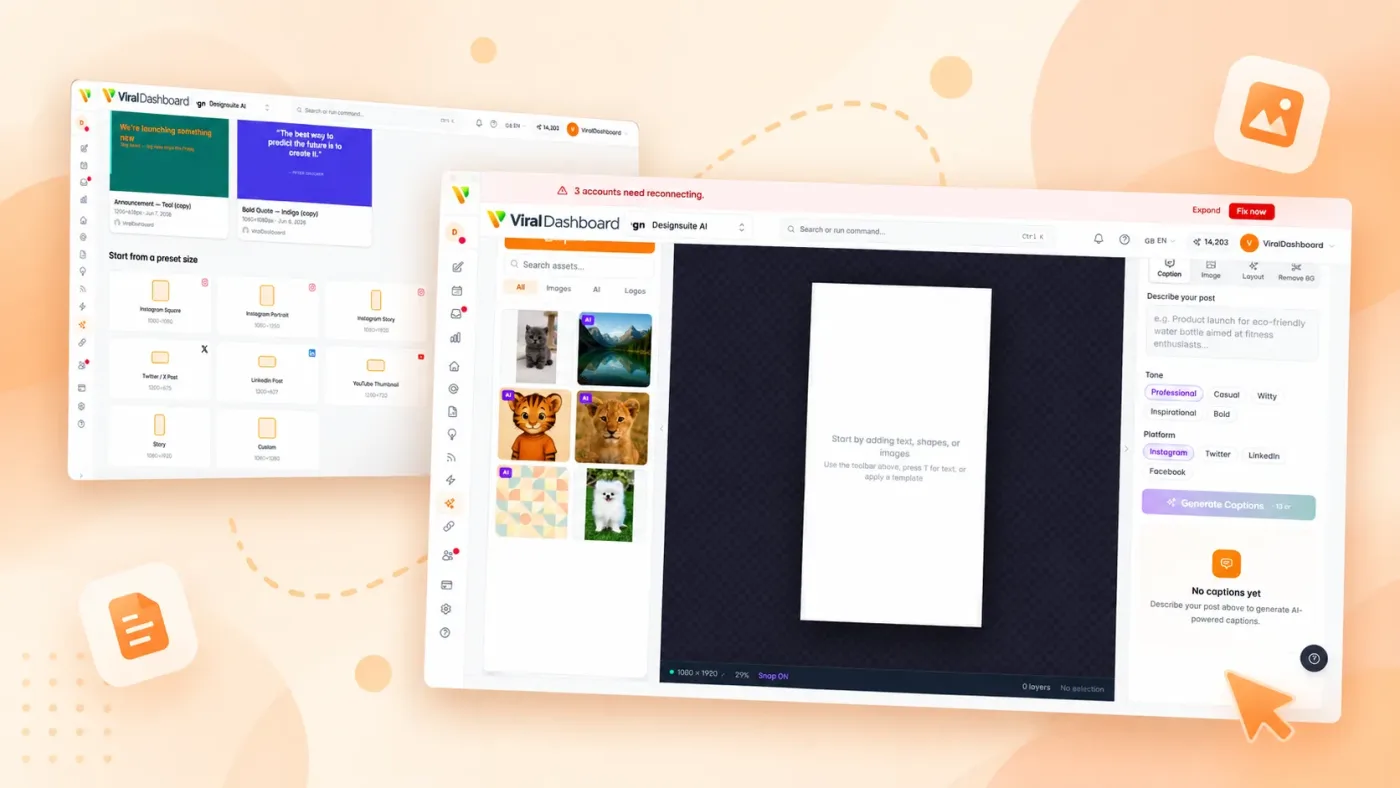
Short-Form Video Hub
Plan TikTok alongside Reels and YouTube Shorts in one unified short-form content strategy.
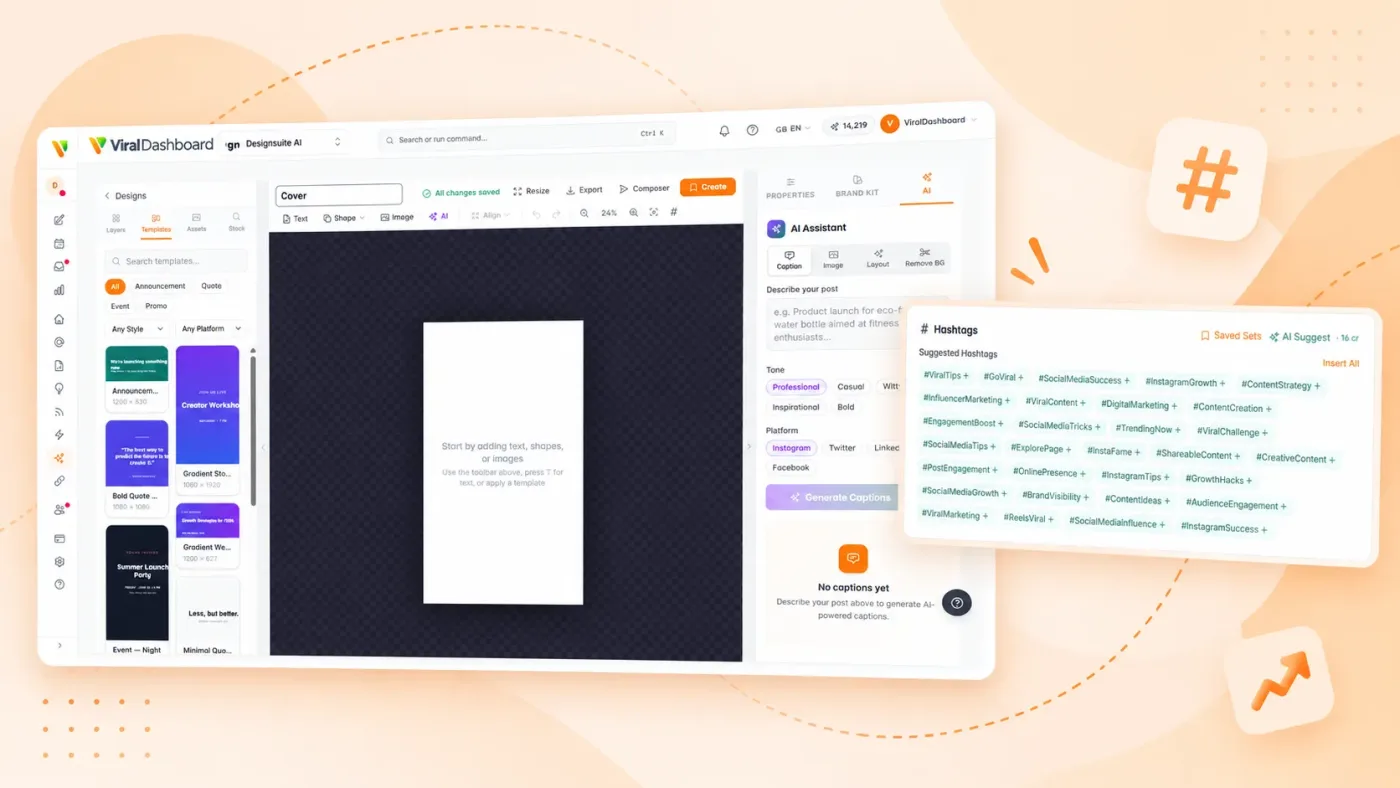
Hashtag Research
AI suggests hashtags that fit your niche and topic.
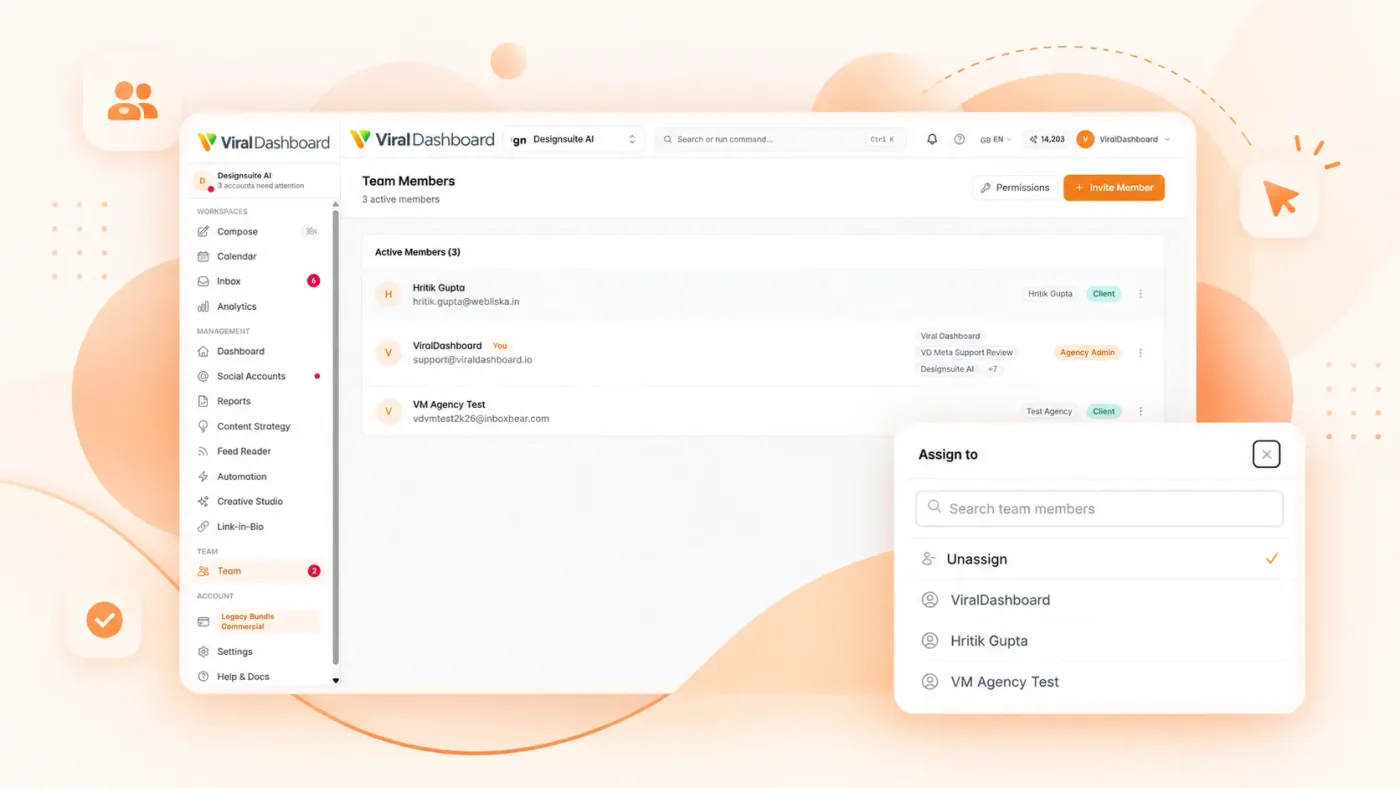
Team Collaboration
Assign video creation, route drafts through approval, and track production status.
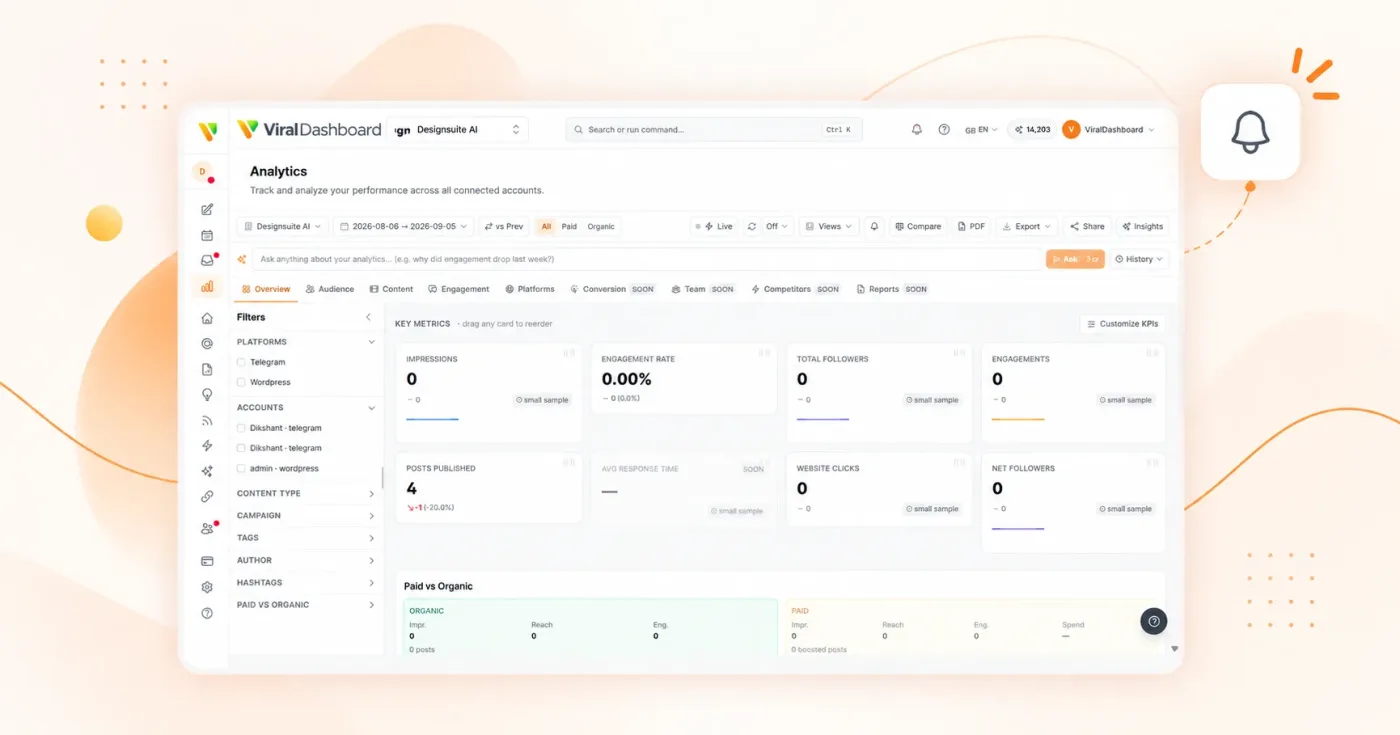
Publish Status
See when TikTok has processed your video and get notified if a post doesn’t go live, with the reason.
Setup
Connects via TikTok’s official Content Posting API with OAuth 2.0. Your credentials are never stored on our servers.
Social Accounts
Go to Settings > Social Accounts.
Connect TikTok
Click "Connect TikTok."
Log In
Authorize ViralDashboard to publish and access insights.
Select Account
Connect your TikTok account.
Start Scheduling
TikTok appears in composer, calendar, and analytics.
Start today
Make TikTok Part of Your Strategy, Not a Side Hustle
Schedule content, track results, and grow your audience — all from ViralDashboard.