X / Twitter Integration
Meister X
Ohne von X zu leben
Planen, planen und veröffentlichen Sie Ihre X-Inhalte im Voraus und bleiben Sie dabei mit Echtzeit-Posteingangsüberwachung und detaillierten Analysen immer am Puls der Zeit. Kein spontanes Verfassen von Tweets mehr.
Was Sie mit ViralDashboard + X tun können
Publish, engage, and analyze — all from one dashboard.
Tweets & Threads
Write and schedule text tweets, multi-tweet threads with drag-and-drop reordering, images (up to 4), video, and polls.
Unified Inbox
DMs, @mentions, and quote tweets in real time. AI classification auto-tags as support, feedback, spam, or opportunities.
X API v2 Analytics
Impressions, engagement rate, likes, retweets, replies, link clicks, follower growth, top content, and audience insights.
AI Composer
Refine tone, suggest tweet variations, generate thread ideas from a single topic. Hashtag suggestions based on trends.
Bulk Scheduling
Plan an entire week of tweets in one session using the content calendar or CSV upload.
Cross-Platform Repurposing
Turn a tweet thread into a LinkedIn post, Instagram carousel, or blog draft with one click.
Unterstützte Inhaltstypen
| Content Type | Supported |
|---|---|
| Text Tweet | |
| Image Tweet (up to 4) | |
| Video Tweet | |
| Thread | |
| Poll | |
| Retweet / Quote Tweet | Inbox monitoring |
Hauptfunktionen für X
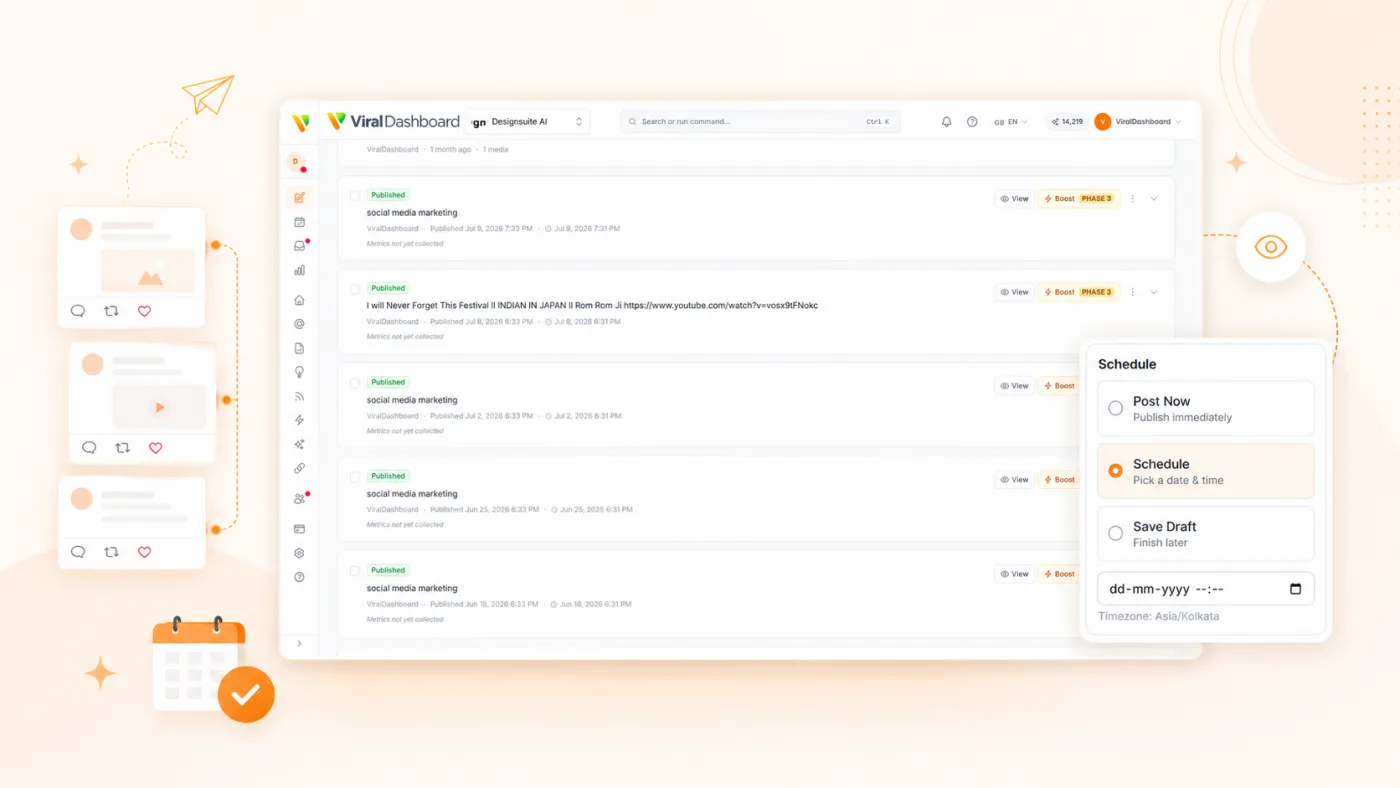
Thread Composer
Build threads visually with a card-based editor. Rearrange tweets, preview the full thread, and schedule as one unit.
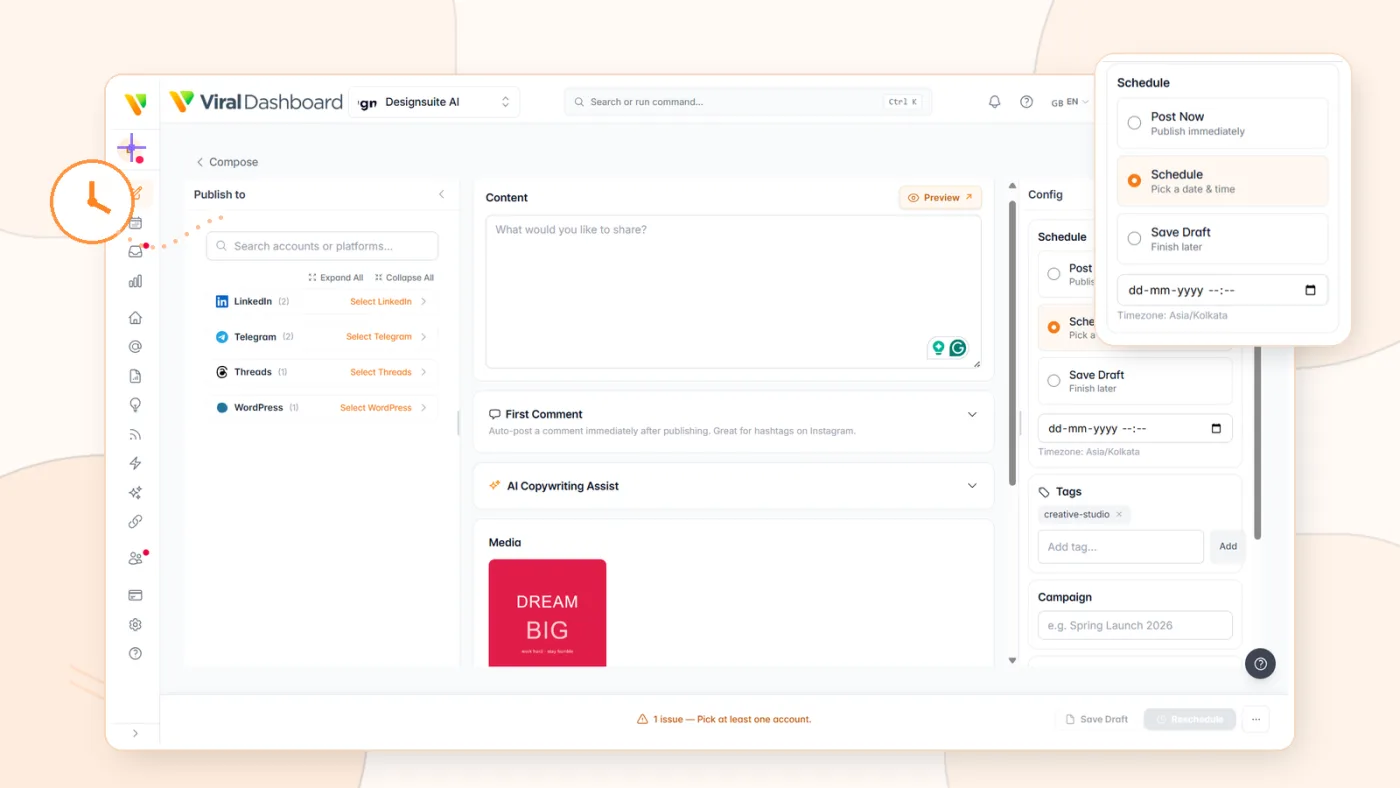
Optimal Timing
AI recommends the best times to tweet based on your audience's engagement patterns.

Approval Workflows
Route tweets through team review before they go live, with edit suggestions and approval tracking.
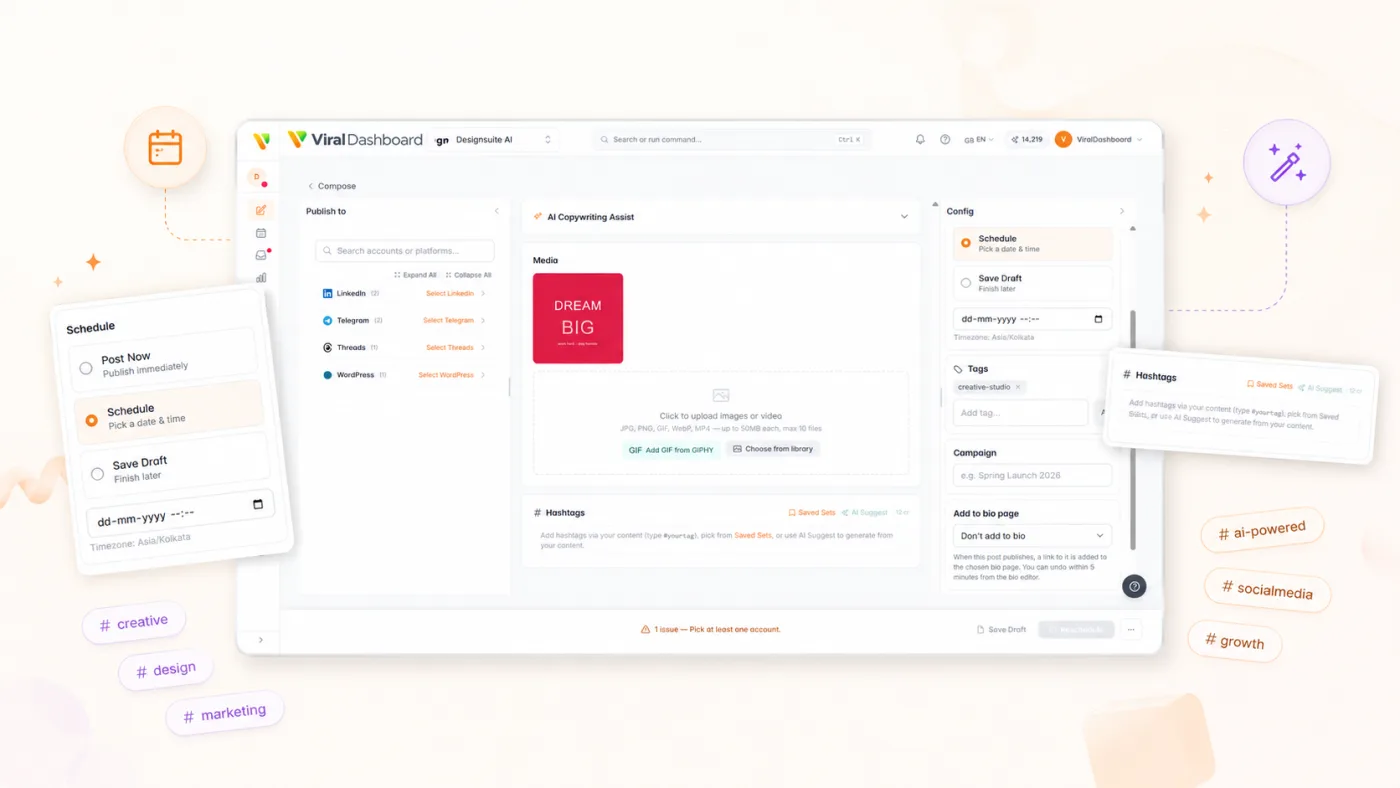
Hashtag Suggestions
Get relevant hashtag recommendations based on tweet content and trending topics.
Aufstellen
Connects through the official X API v2 with OAuth 2.0 PKCE. Your password is never shared.

Social Accounts
Go to Settings > Social Accounts.

Connect X
Click "Connect X / Twitter."

Authorize
Log in and grant permissions via OAuth.

Select Accounts
Connect personal or brand accounts.

Start Scheduling
X appears in composer, calendar, inbox, and analytics.
Start today
Hören Sie auf zu reagieren. Beginnen Sie mit der Strategieentwicklung.
Planen Sie Ihren X-Auftritt im Voraus. Beteiligen Sie sich über einen einzigen Posteingang. Beweisen Sie Ihre Wirkung mit echten Analysen.